

In this newsletter
This week’s developments
Source: america.gov
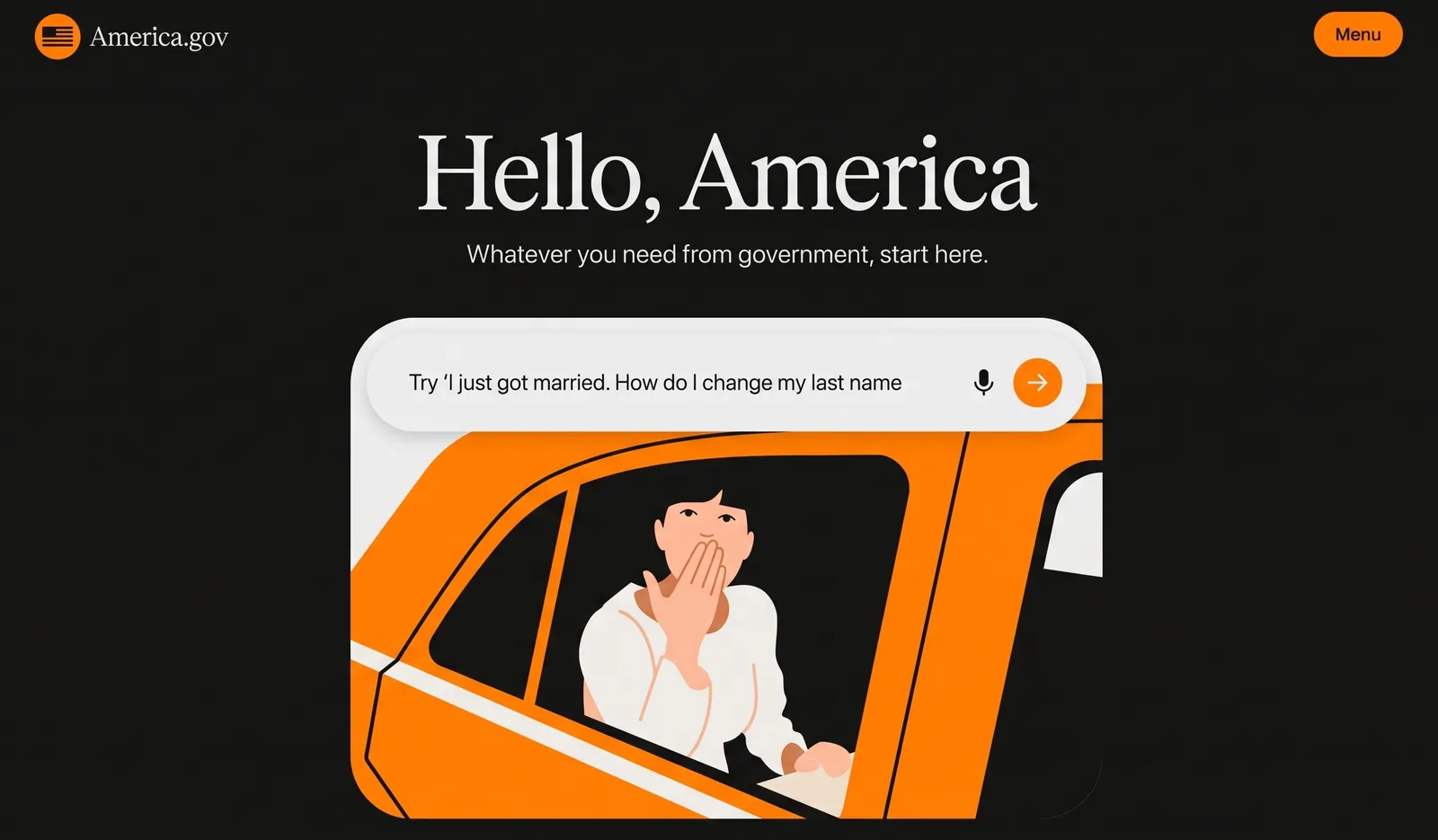
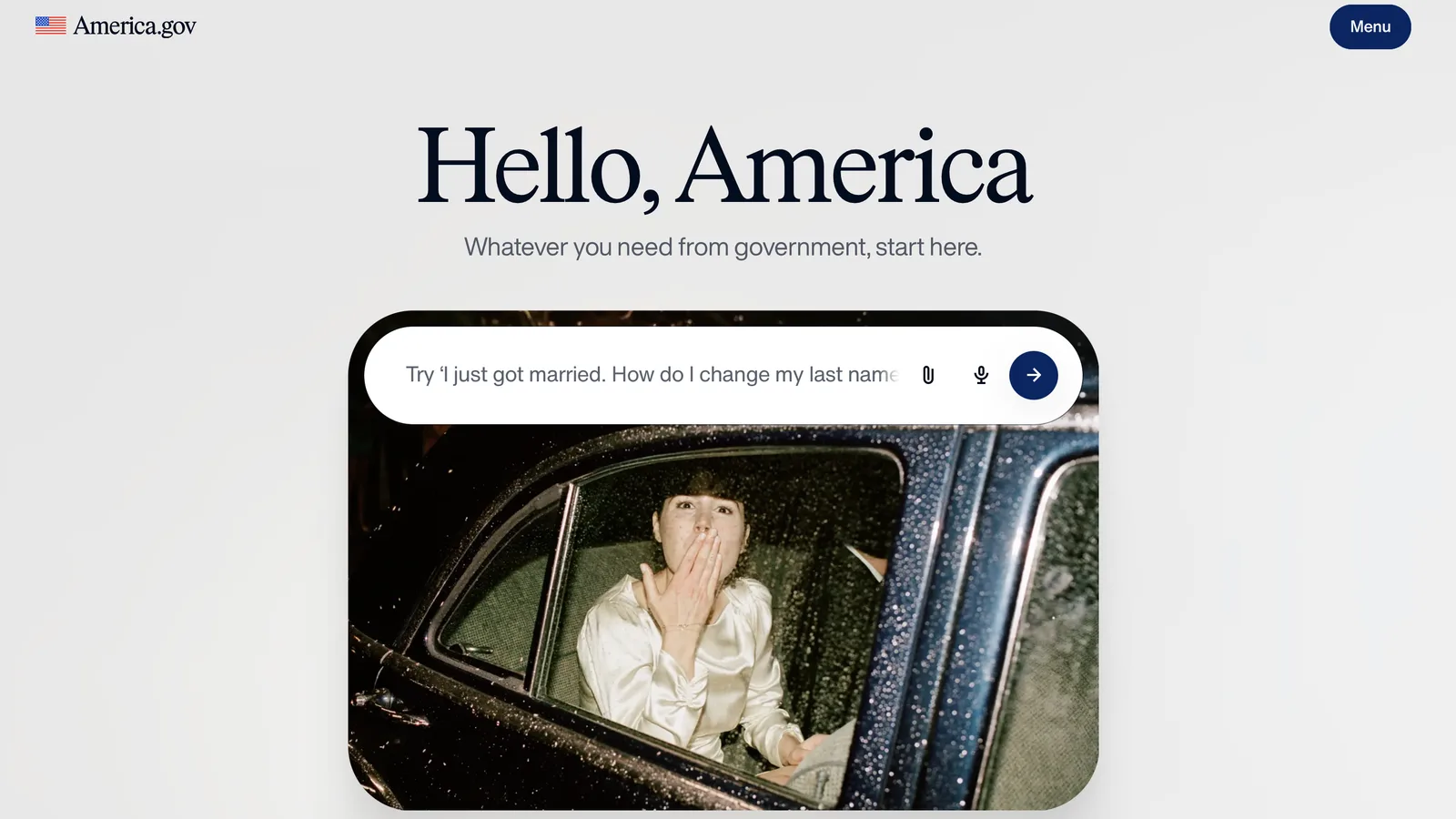
🇺🇸 'Hello, America': Washington gets an AI front-door
In summary: The White House just unveiled america.gov, a conversational AI front door to US federal information and services, built so people can ask plain questions instead of working out which agency owns the form or rule they need.
The details:
The White House calls it a “unified digital front door”, with the aim of eventually letting people complete some government transactions there too
For now it is mainly a navigation layer: the agencies and systems underneath stay put, and the chat interface sits on top of them
It has a strict privacy policy: each question triggers AI searches across government websites, and run inside a secure, sandboxed version of the internet
No account is needed and AI providers sit under zero data retention deals, though america.gov own caches and operational data keep limited retention periods
No architecture has been confirmed, but the setup looks like RAG, an AI technique that grounds LLM answers in facts fetched from designated data sources
Why it matters: Governments have a large pile of documents spread across agencies, and AI is now the conversational layer over it. AEC firms have the same problem inside: departments have their own pile of policies, templates and training material. An internal only AI front door with access to company info could provide immediate answers to HR questions, company policies, and training on demand - making information accessible whenever its needed, even outside of working hours.
Want to know how? This issue shows you how to set up your own personal mini retrieval system, and how bring this idea to your company, so you can retrieve information from your own documents or data sources using LLMs.
Source: AEC field notes
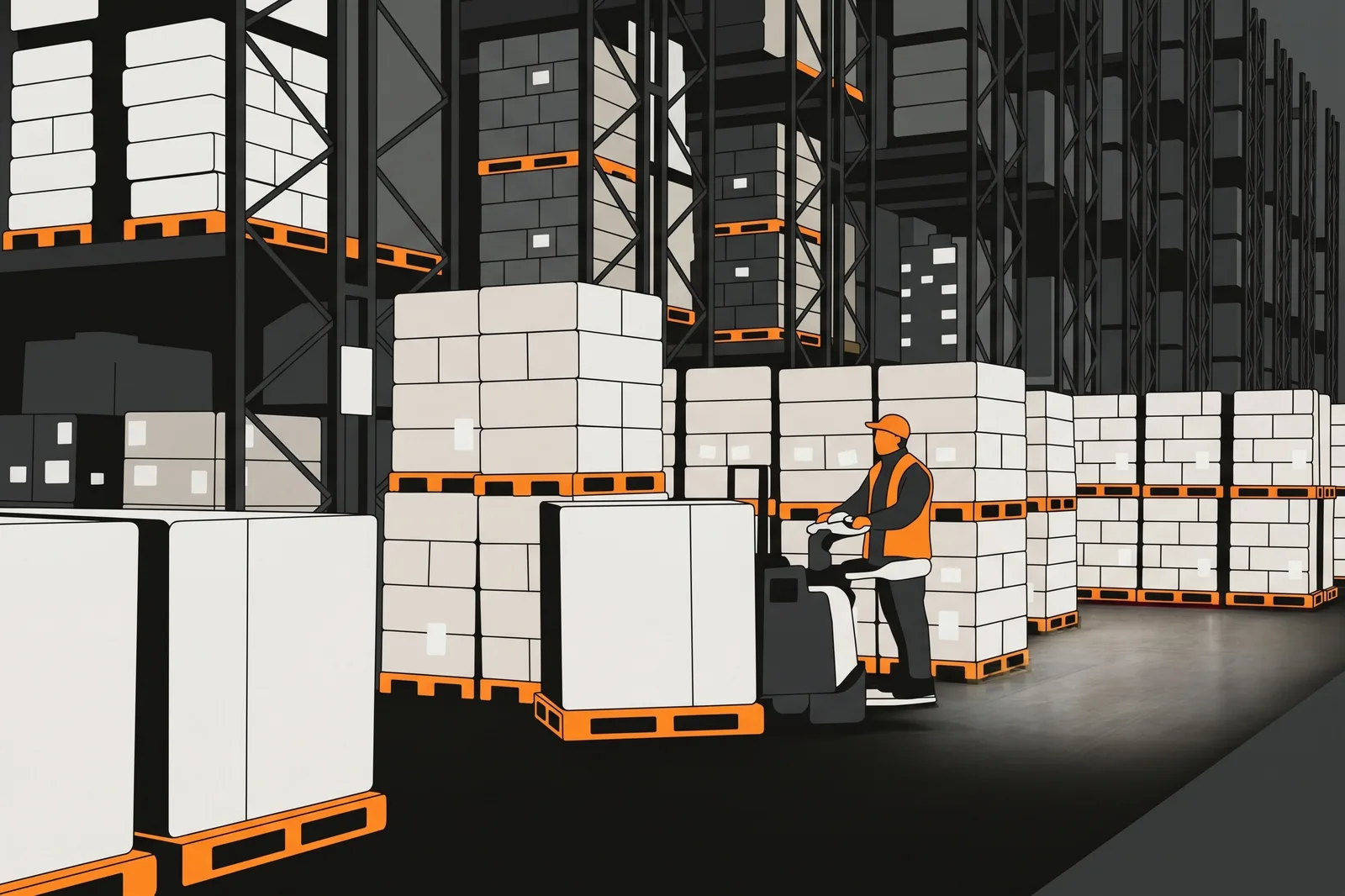
🛒 Ex-Tesla staff are automating supply-chain decisions
In summary: Atomic, founded by former Tesla employees Michael Rossiter and Neal Suidan, just raised a $12.5M Series A for AI that makes supply-chain buying decisions on its own. DoorDash now runs about 90% of its purchasing across hundreds of sites through it.
The details:
The round was led by Klass Capital and Madrona, and brings Boston-based Atomic's total funding to just over $15M, with ARR up 5x this year
The software simulates scenarios to decide what to buy, how much, when and where, and has moved from recommending to making decisions autonomously
Customers today include big tech companies such as DoorDash and HelloFresh. Atomic is now going deeper into mobility and manufacturing
Atomic’s founders built an early version of this system during the 2018 Model 3 production ramp at Tesla, when the automaker’s own spreadsheets couldn’t keep up
Why it matters: Large contractors runs many projects at once, each ordering materials through its own site team manually: this is the pattern Atomic automates. One system could buy across all of them on price, lead time, programme and preferred suppliers, while commercial teams keep negotiations and exceptions. Or streamline orders per project. Atomic names no contractors yet in its list of customers.

Source: McKinsey (edited)
📊 McKinsey: 11M US workers must switch jobs by 2035
In summary: McKinsey just published a US workforce model finding that automation could cut labour demand by the equivalent of 36M jobs by 2035 while growth adds 40M+, leaving about 11M workers (range 6–16M) who must switch occupations.
The details:
The model covers roughly 1,800 occupations, scores each work activity on eight feasibility and barrier factors, and pins job growth to the US Bureau of Labor Statistics of 3.1%
McKinsey says 54% of work hours could be affected by 2035, but offsets like productivity-driven demand absorb about 60% of that, for a 21% labour demand cut
Only one in seven workers has a direct path into growing occupations, with 60% of growth in the top two wage quintiles and 70%+ of decline in the bottom two
Healthcare and construction lead growth, while demand for AI fluency is up 11x since 2022 and demand for adaptability has risen fivefold
Why it matters: For AEC office jobs (e.g. architects, engineers, design managers, development managers, project managers, etc) the title survives while the work under it changes: documentation and analysis get cheap, and judgment and accountability gain value. As for on site physical labour, the model points the other way: construction employment grows and it needs to become more productive.
Take control with some practical tips:
Audit your own week by task: Make a list of what will ‘become cheap’ because AI can automate, and what will ‘gain value’ because it can’t. Aim to get gradually closer to the tasks it can’t automate.
Become fluent in using AI, not just familiar: Start small, pick one or two tasks in your week you believe can be automated, and learn to automate them. Save and apply this newsletter’s practical tips - I also make them permanently available in aecfieldnotes.ai
Strengthen the human side of your job: Invest in human relationships deliberately, they can’t be replaced (negotiation, stakeholder management, resolving disputes, soft skills, holding people accountable, etc)
Source: AEC field notes
🏭 How to query your own documents using AI
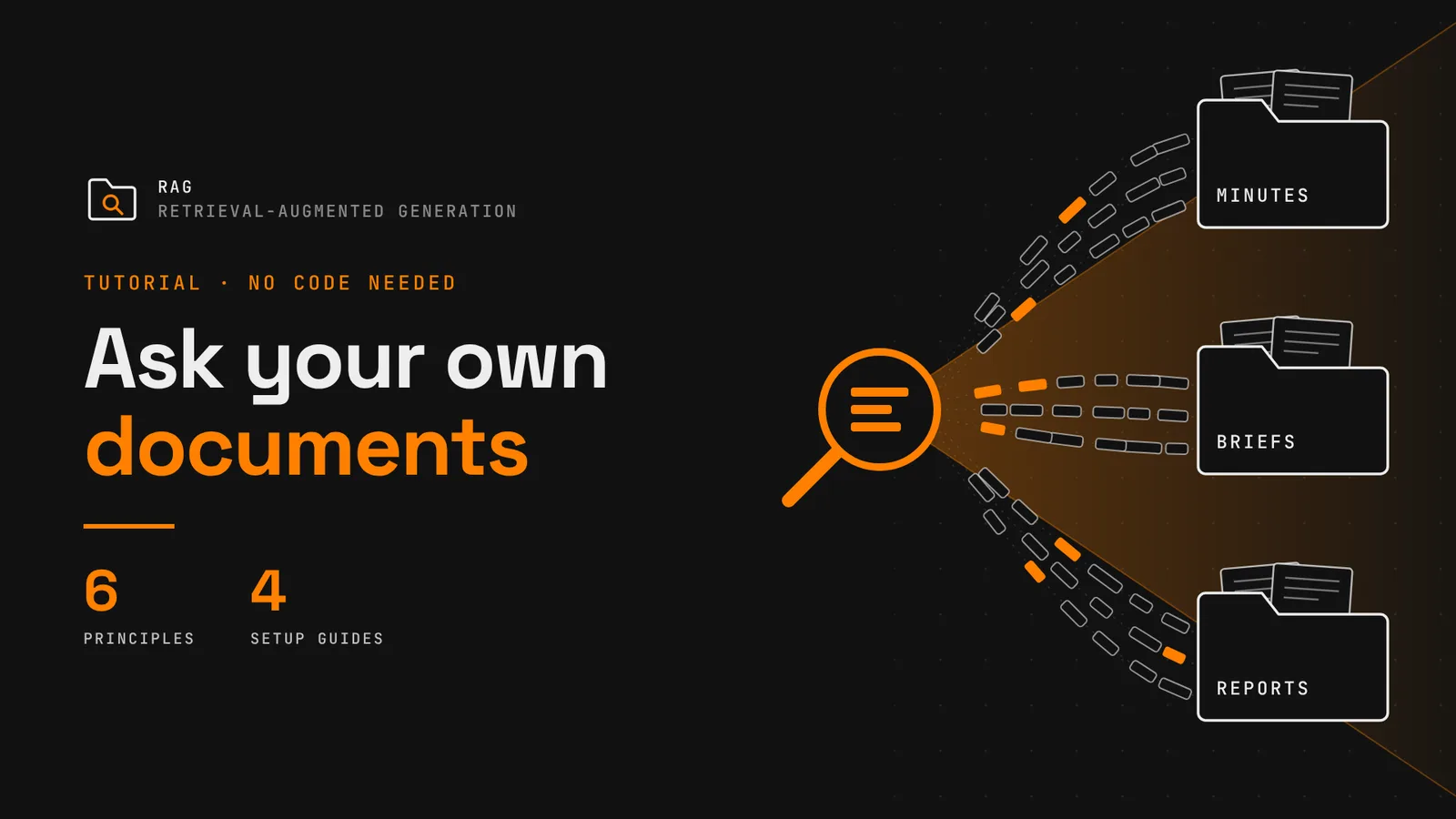
In summary: Getting AI to answer questions from your own documents used to need a bespoke setup. The technique is called RAG (Retrieval-Augmented Generation): the model first retrieves relevant passages from your chosen sources, then uses them to write its answer.
Today you can build a simple version with no technical knowledge. Here's how to set up your own.
These principles apply whichever tool you choose:
AI models have limited context: Context is the amount of information an AI model can handle reliably. Past that limit, answer quality drops
Structure your folders: A whole construction project is often too much for one AI Agent to search reliably. Split it into folders and query each separately (e.g. one agent for meeting minutes, another for briefs, another for reports, etc)
Make files machine-readable: Scanned PDFs, drawings and tables saved as images are read poorly or not at all. Use text-searchable files wherever possible - editable Word, Excel, PowerPoint, and PDF documents work best in my experience
Understand how retrieval works: LLMs don't read all your documents for each question. On upload, documents are split into small passages on upload (stored as "chunks" in a vector database). The tool then fetches the handful of passages closest in meaning to your question, and the AI answers from those alone. Because matching is by meaning, exact references can slip through, and you must always check the sources.
Hygiene matters: Clean inputs give better answers. Strip out anything unnecessary before uploading and remove superseded revisions and duplicates
Check the privacy terms: Business tiers from Microsoft, Google, Anthropic and Notion claim to not training on your data by default. Check the terms for personal accounts, they differ. On free accounts your uploads are used for training and may be seen by human reviewers. See our guide last week with practical steps to share data more safely
Here’s the official guidance to set yours up, using popular providers:
Microsoft SharePoint (Paid Business Accounts with a Copilot License only):
Overview and prerequisites: Get started with agents in SharePoint
Step-by-step guide: Create an agent in SharePoint
Ask Gemini in Google Drive (Paid Business & Personal Accounts only):
Main guide, covering Ask Gemini and Projects: Get started with Gemini in Google Drive
Use Claude + Notion (Paid Business Accounts only, limited personal Accounts access):
Claude does not offer cloud storage. While you could simply add files to different projects in Claude as a way to get started, using Notion is an alternative scalable approach.
Both tools can work together using a Connector (Claude Desktop or Web) or MCP (Claude Code)
For comparable results to Microsoft and Google, requires access to Notion Agent (Business only). Without it the search is keyword-only and of limited value
Workflow suits knowledge written as Notion pages best - less so for attached documents
Gemini Notebook (free):
For personal accounts and If you have access to a work or school Google account, without Gemini: Create a notebook in Gemini Notebook
Trending AI Tools this week
Gemini 4 Argon (Google DeepMind): Google’s answer to Fable and Astra and with a 1M-token output limit; open to general public soon
GPT-6.1 Sol (OpenAI): OpenAI says it nearly matches GPT-6 Astra at a fifth of the price: $2/$10 per million tokens
Claude Sonnet 5.5 (Anthropic): Anthropic says it runs 30% faster than Sonnet 5 and costs up to 30% less per task
Dots (OpenAI): Always-on agents with their own cloud computer and 4,000+ app connections, rolling out to Pro and Business Premium
Team Bots (SpaceXAI): Shared Grok Bots with team-wide files, plugins and per-user memory; public beta on Teams and Enterprise plans
That’s it for today!
See you next week with more exciting updates,
Eduardo - The human behind AEC field notes
London, UK